Quoting & proposals
What Makes a Contractor Quote Stand Out? More Than Just the Price
Give clients a clear scope, relevant project photos and a professional proposal that feels like your business. These quoting tools are included on every plan.
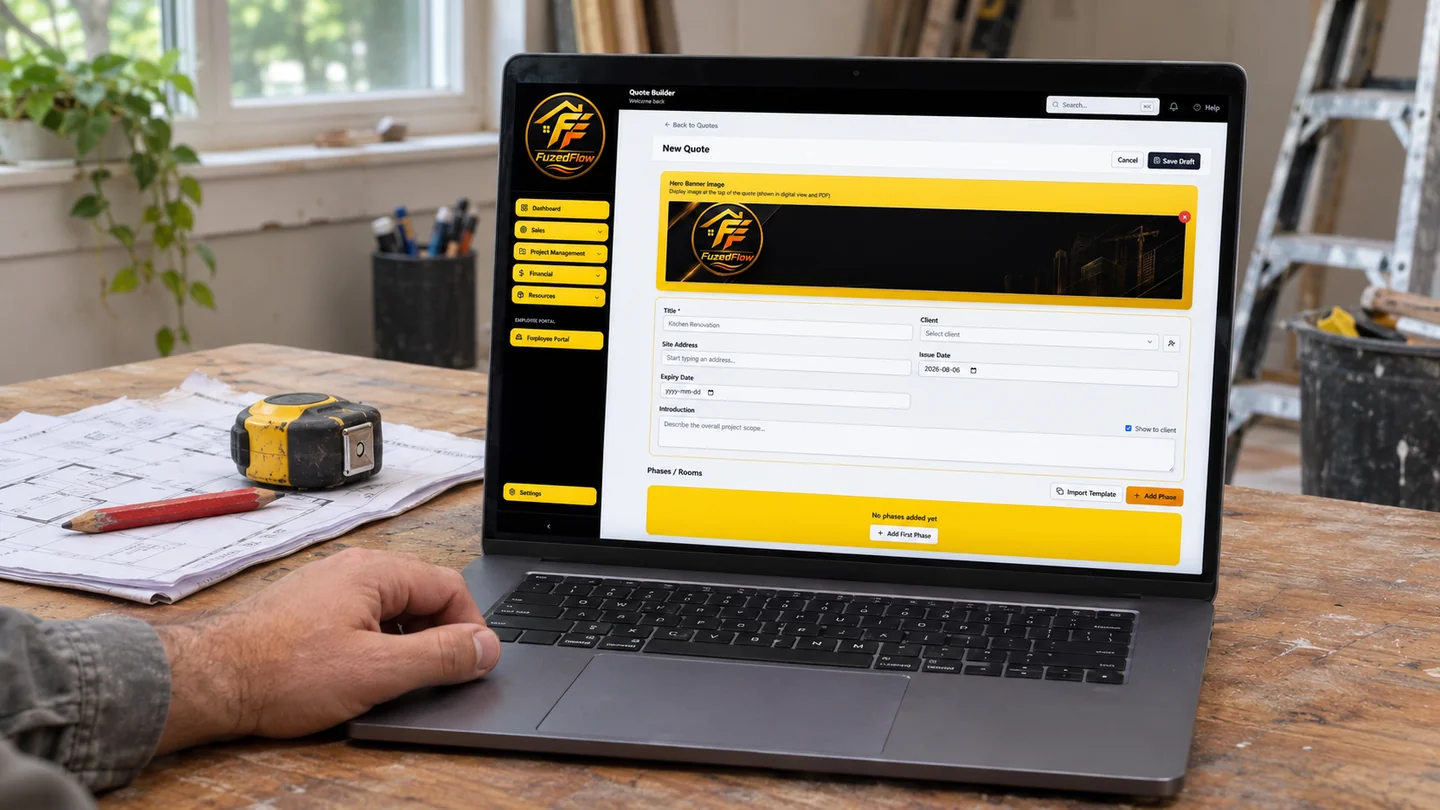
Before a client decides whether to hire you, your quote gives them a preview of how you work.
Is the scope easy to understand? Does the presentation reflect your business? Can they see the products, options and supporting information they need to make a decision?
A well-prepared quote helps answer those questions. It brings your pricing, experience and proposed work together in a document the client can follow.
FuzedFlow includes the quote branding and customization features covered in this guide on every plan: Starter, Professional and Business.
1. Make the quote look like your business
Your quote should feel like it came from your company.
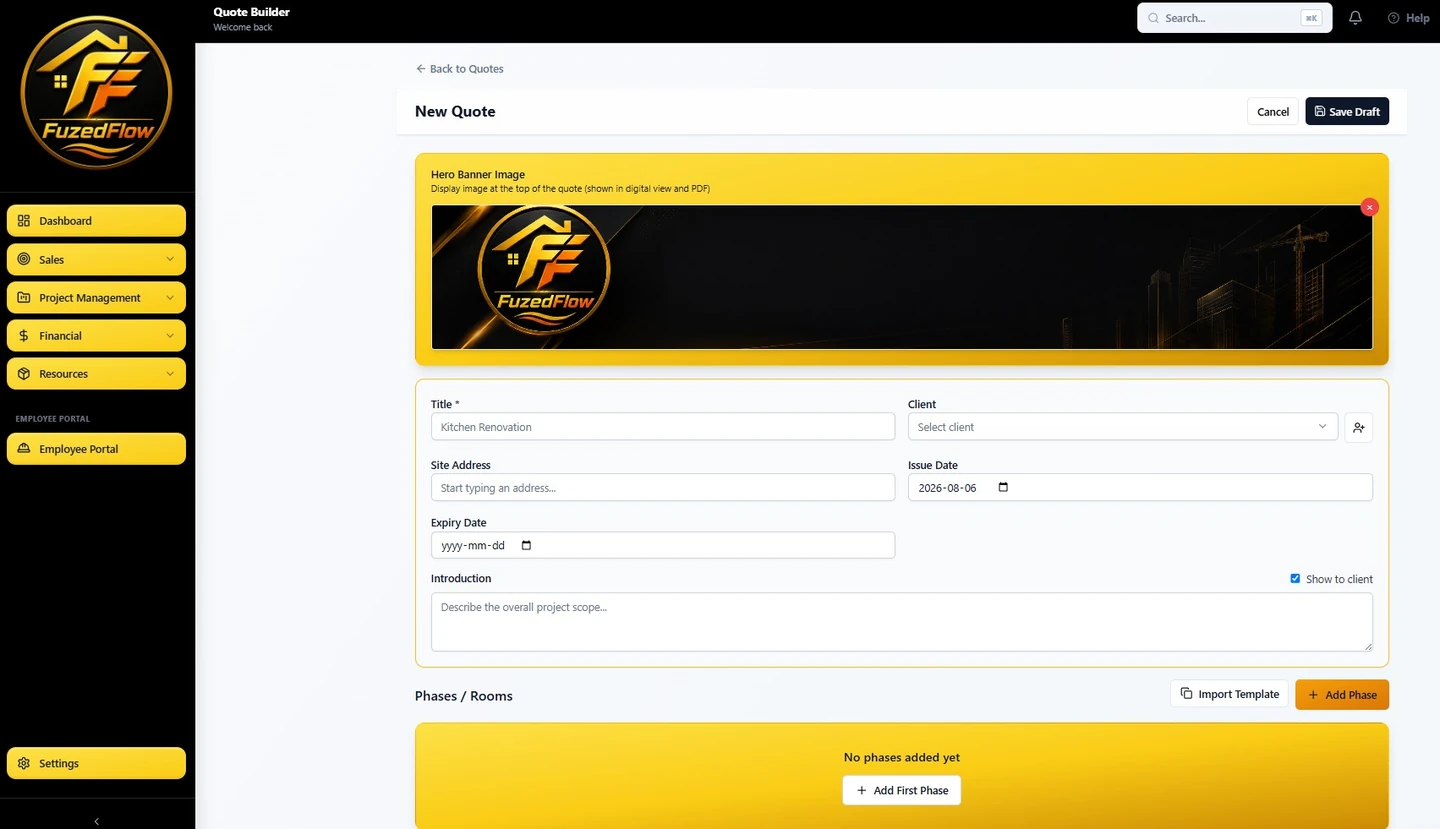
With FuzedFlow, you can add your logo, use your brand colours and choose a hero image that introduces the proposed work. A relevant project photo can set the tone before the client reaches the scope and pricing.
For example, a kitchen renovation quote could open with a photograph of a kitchen your team completed. Your logo and colours give the document a consistent identity, while the image helps show the kind of work you do.
Personalization also comes through in the writing. Address the client’s project directly and explain what you understand about their goals.
“We’ve prepared this proposal around your plans for a brighter kitchen, more storage and a layout that works better for your family” gives the quote a more personal opening.
2. Organize the scope so the client can follow it
A client should be able to understand where the money is going.
Build your quote around the job, with multiple rooms or phases and the line items needed to explain each part of the work.
For a renovation involving a kitchen, bathroom and laundry room, give each space its own section. Within those sections, describe the demolition, plumbing, electrical, finishes and installation work that applies.
Choose the descriptions, photos and pricing detail you include in the client-facing quote. Keep the presentation focused on what helps the client understand the proposed work.
Compare these two descriptions:
- Kitchen renovation: Supply and install new kitchen.
- Kitchen installation: Install the selected base and wall cabinets, fit panels and toe kicks, and adjust doors and drawers.
The second gives the client a clearer picture of what they are reviewing.
3. Customize the proposal around the decision
Every client has different priorities. Some want a fixed scope. Others are deciding between finishes, upgrades or additional work.
Optional line items and phases let you present those choices clearly. Keep the base scope understandable and show additions separately so the client can see how their selections affect the total.
For example, a bathroom quote could include the agreed shower renovation, with heated flooring presented as an optional upgrade.
You can also write your own:
- Introduction and client message.
- Scope descriptions and project notes.
- Terms and conditions.
- Payment schedule.
That gives you room to explain your process, responsibilities and payment stages in language that reflects your business.
4. Bring your own product catalogue into the quote
The products you use regularly should be easy to bring into a new estimate.
FuzedFlow lets you build your own product catalogue, organize items into categories and add them to quotes. Keep useful product information together, including images, supplier details and costs.
A renovation contractor might maintain categories for flooring, plumbing fixtures, lighting and cabinetry. Reusing those records gives familiar work a starting point while leaving room to adjust quantities and review current prices for each job.
You can also mark relevant quote items for material tracking. When preparing the project, carry selected items into the project material list so the team can follow what needs ordering and what has arrived.
The quote becomes a useful starting point for organizing the work after approval.
5. Build trust with photos and supporting documents
Clients are assessing your company as well as your price.
Photos of relevant past projects help them see your workmanship and understand what you are proposing. Choose examples that relate to their job, such as a similar shower layout, kitchen finish or fireplace installation.
Supporting documents can answer questions before they become another email exchange. Depending on the project, include:
- Workmanship warranty information.
- Relevant licence and insurance documents.
- Company brochures or manufacturer product brochures.
- Plans and drawings.
- Product specifications and care information.
Choose documents that help the client assess your proposal. A relevant warranty document or clear drawing is more useful than a collection of unrelated attachments.
Together, your scope, photos and documents give the client more information to base their decision on.
6. Give the whole quote a professional finish
A professional appearance comes from the details working together.
Your branding, section headings, descriptions, product images, options and terms should make the quote easy to read from beginning to end.
Before sending it, review the client’s version:
- Is the proposed work clear?
- Are the included items and optional upgrades easy to distinguish?
- Do the photos support the scope?
- Are the terms and payment stages easy to find?
- Have you included the relevant documents?
- Does the finished quote look consistent and complete?
A good-looking quote earns attention. Clear content helps the client decide what to do next.
Common questions
Are these quoting features included on every FuzedFlow plan?
Yes. The quote branding, scope-building and customization features described here are included on Starter, Professional and Business. You can create a professional proposal from the plan that suits your team and project needs.
Can I use my own products and wording?
Yes. Add products from your own catalogue and write your own introduction, scope descriptions and terms. Reusable records give you a starting point; you can tailor the quote to each client.
Can clients choose optional upgrades?
Yes. Present optional items or phases separately so clients can review their choices and the resulting total before approving.
Make your next quote a better introduction to your business
Your quote is often one of the first detailed experiences a client has with your company. Give them a clear explanation of the work, relevant proof of your experience and a professional presentation that feels like your business.
These quoting tools are included on every FuzedFlow plan.
Explore FuzedFlow’s quoting features or request a walkthrough using a quote like the ones you prepare every week.